Shopify app development cost depends on which of four things you need. An existing App Store app costs a monthly fee and nothing to build. A custom app for one store is usually 40–120 hours of work, or about $1,000–$5,900 at the $25–$49 an hour Clutch reports for e-commerce agencies. Checkout extensions and Shopify Functions cost more. A public App Store app costs the most, and keeps costing after launch.
The build is only part of the bill. A custom app needs hosting, an update every time Shopify retires an API version, and someone to fix it when an integration changes. Shopify’s plan rules matter too: a custom app that uses Shopify Functions only runs on Shopify Plus.
2027 adds its own costs. Script tags stop loading on storefronts on 1 March, public apps on old access tokens lose API access on 1 April, and since January 2026 new custom apps can no longer be created in the Shopify admin. Most cost guides haven’t caught up with any of it.
Published 18 November 2026. Shopify’s revenue share, API dates, plan rules and the app-builder prices were checked on Shopify’s own pages and App Store listings that day.
Most of an app’s cost is people deciding, together, what the code should do.
How much does a Shopify app cost to build in 2027?
A single-purpose custom app usually costs $1,000–$5,900 to build at agency rates, a checkout and Functions build $3,000–$12,250, and a public App Store app $7,500 or more. The hours below are our estimate from the apps we build. The dollar ranges multiply them by Clutch’s average e-commerce agency rate of $25–$49 an hour, checked 18 November 2026.
| What you need | Build effort (our estimate) | At $25–$49 an hour | What keeps costing |
|---|---|---|---|
| An existing App Store app | None | $0 to build | Its monthly fee, often $10–$100 or more |
| A custom app for one store: an admin tool, a webhook sync, a Flow action | 40–120 hours | $1,000–$5,900 | Hosting, API version updates |
| Checkout UI extensions and Shopify Functions | 120–250 hours | $3,000–$12,250 | Shopify Plus for most of it, API version updates |
| A public App Store app | 300 hours and up | $7,500 and up | Review, support, billing, revenue share after $1M |
| A mobile app from an app builder | None | $0 to build | About $150–$1,300 a month, plus the app store fees |
Clutch’s average sits low because it includes agencies in lower-cost countries. Studios in the US and UK usually charge well above it, so check the rate behind any quote before comparing totals.
The hours move with a few things more than with the feature list. One data source and one screen is a small app. Two-way sync with an ERP that has its own opinions about stock is not. The next sections go through what moves the number.
Do you need a custom Shopify app at all?
Often not. About a third of the app briefs we’re sent can be met without one, and checking takes an hour, not a project. Run these in order, and stop at the first one that works:
- A setting or a metafield. Shopify’s admin covers more than most merchants use. An extra product field is a metafield, and a reusable content type is a metaobject (our metaobjects tutorial shows both).
- A theme block. If the need is about what shows on the storefront, it’s theme work, not an app.
- Shopify Flow. Tagging orders, alerting a team, or moving data between apps that already have Flow connectors needs no code.
- An existing App Store app. If an app already does the job for a monthly fee, compare that fee over two or three years with the build plus its upkeep.
- A custom app. Build one when the logic has to be true at the point of order, when you’re paying for several overlapping apps, or when nothing on the App Store fits how you work.
The fourth check is the one people skip. A $30-a-month app costs $1,080 over three years, which is less than most custom builds before their first API update.
What is the difference between a custom app and a public Shopify app?
A custom app is built for one store, installed from a link and never reviewed by Shopify. A public app is listed on the App Store, installs on any store, and has to pass Shopify’s review. That difference decides most of the cost.
| Custom app | Public App Store app | |
|---|---|---|
| Who can install it | One store (or one organisation’s stores) | Any merchant |
| Shopify review | No | Yes, against the app requirements |
| Billing | None, the merchant pays the developer | Shopify’s billing API, required |
| Compliance webhooks | Good practice | The three privacy webhooks are required |
| Where it’s created | The Dev Dashboard, since 1 January 2026 | The Dev Dashboard |
| Who pays for support | The store that commissioned it | You, for every merchant who installs it |
The “where it’s created” row is new. Since 1 January 2026, merchants can’t create new custom apps in the Shopify admin; new ones are built and installed from the Dev Dashboard. Apps created in the admin before then keep working. If a quote still assumes the old admin route, ask how the app will be installed.
The review requirements are what make public apps expensive. Shopify asks for session-token authentication, OAuth before anything else, an app that works in an incognito window, and billing through Shopify. None of that adds anything a merchant can see, but all of it has to be built.
Does your Shopify plan change the cost of an app?
Yes, for anything that touches checkout or pricing logic. Shopify’s own pages set the limits:
- Shopify Functions (custom discounts, shipping and payment rules, cart validation) run on any plan inside a public App Store app. A custom app that contains Functions only works on Shopify Plus.
- Checkout UI extensions on the information, shipping and payment steps are Shopify Plus only. Extensions on the Thank you and Order status pages are available on other plans.
So on Basic, Shopify or Advanced, custom discount or shipping logic usually means one of three things. You find a public app that already has the Function you need. You move to Plus. Or you do the work in the cart and on the post-purchase pages instead. A quote for a custom Functions app on a non-Plus store is a quote for something that won’t run.

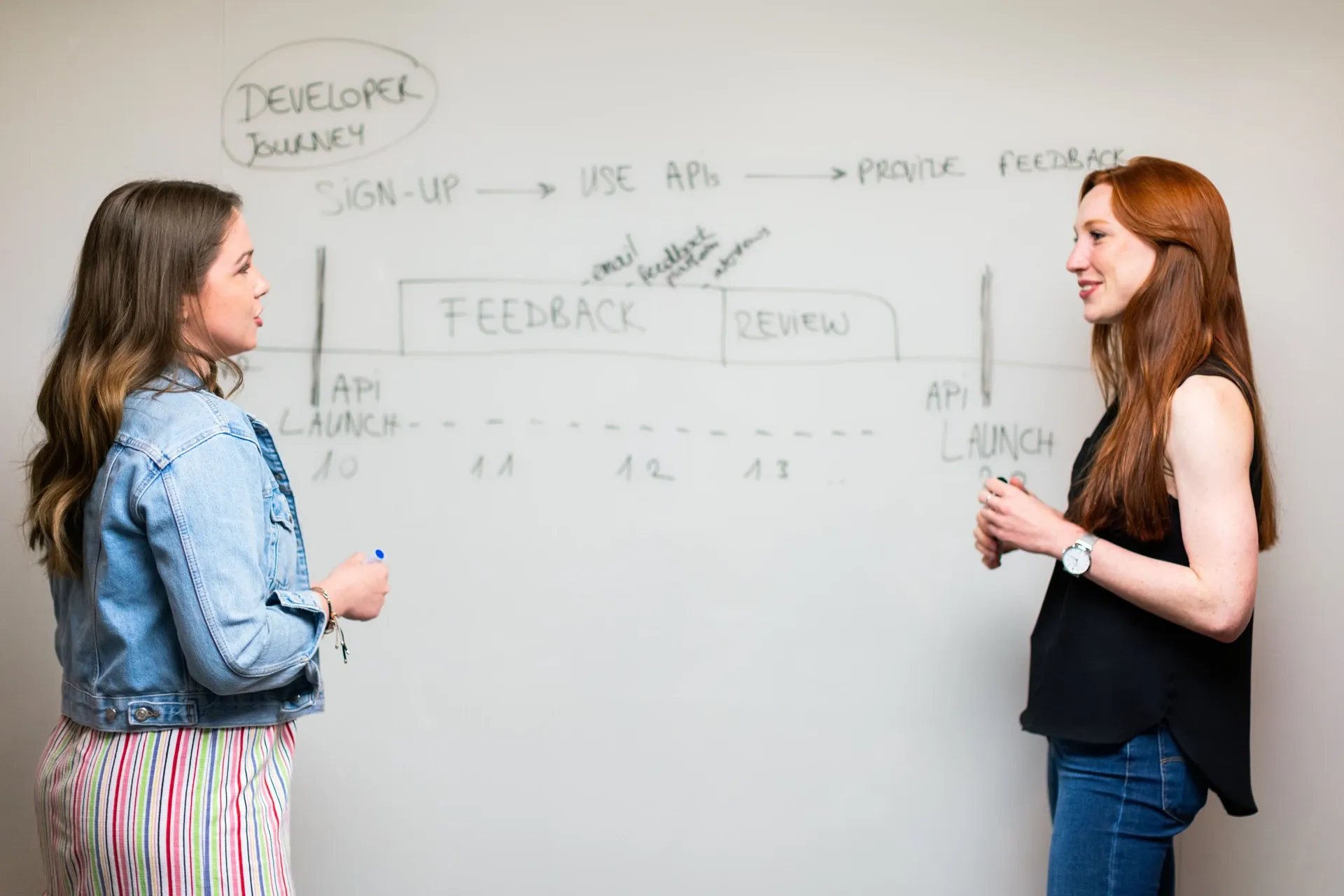
Screens on a wall, notes in the margins: scope gets settled before anyone writes code.
What drives the cost of a Shopify app?
Six things, roughly in order of how much they move a quote:
- Integrations. Each outside system (an ERP, a 3PL, a CRM) brings its own API, rate limits and error cases. Two-way sync costs far more than one-way.
- Where the app runs. A back-office tool in the admin is the cheapest place to build. Checkout extensions, storefront app blocks and Functions each add their own limits and testing.
- Data volume. Shopify’s API is rate-limited. An app that handles 50 orders a day and one that handles 50,000 during a sale are different builds.
- Custom or public. Review, billing, compliance webhooks, onboarding and multi-store support only exist in a public app.
- Built for Shopify. The badge has its own requirements: at least 50 net installs from paid-plan stores and 5 reviews, admin pages that load fast (LCP of 2.5 s or less at the 75th percentile), and a storefront Lighthouse score that drops by no more than 10 points. Meeting them is performance work on top of the app.
- Design. An app that uses Shopify’s own Polaris components looks native and costs less to build than a custom interface.
What does a Shopify app cost after launch?
Usually a few dollars to a few hundred dollars a month, plus an update at least once a year. Plan for four ongoing costs:
| Cost | What it is | Typical figure |
|---|---|---|
| Hosting | The server and database the app runs on | From $7 a month for a Render web service plus $6 for its smallest Postgres database; Fly.io from $2.19 a month for a small machine, with managed Postgres from $38 |
| API version updates | Shopify releases an API version every quarter and supports each for at least 12 months | A few hours to a few days a year, depending on what changed |
| Platform deadlines | Changes Shopify announces with a fixed date | One-off work, see the next section |
| Support and fixes | When an integration, a theme or a workflow changes | Hours as needed, or a retainer |
The version cycle is the one that catches merchants out. Shopify’s versioning page gives each version’s end date: 2026-01 stops working on 16 January 2027, 2026-04 on 16 April 2027, and the current 2026-10 on 16 October 2027. A custom app that nobody updates doesn’t fail on the day. It fails later, when Shopify moves it onto a version with a breaking change.
Shopify lists Vercel, Google Cloud Run, Fly.io and Render in its deployment guides. It also warns that Fly.io may stop idle machines, which wipes an app’s SQLite database. So budget for Postgres from day one.
Which 2027 Shopify changes add to app costs?
Four dated changes create app work in 2026–27:
| Change | Date | What it costs you |
|---|---|---|
| New custom apps can’t be created in the Shopify admin | Since 1 January 2026 | Nothing for existing apps; new ones are built in the Dev Dashboard |
| Script tags can’t be created or updated | Since 1 October 2026 | Apps that inject scripts must move to app embed blocks |
| Script tags stop loading on storefronts | 1 March 2027 | Anything still loaded through script tags disappears from the storefront |
| Public apps on non-expiring access tokens | Delisted 1 January 2027; admin warnings 15 January; API calls fail 1 April 2027 | Replacing an app whose developer didn’t migrate, or migrating your own |
Custom apps and apps a merchant created are excluded from the access-token change. It hits public apps, so the cost for most merchants is finding out which of their installed apps haven’t migrated. Shopify says the January and April dates “should not be treated as extra time to migrate”. Our script tags guide covers the 1 March change, and the list of every Shopify deadline for 2027 has the rest.
How much does a Shopify mobile app cost?
Using an app builder costs about $150 to $1,300 a month for most stores. A custom mobile app built for you is a five-figure project. These were the monthly prices on the builders’ App Store listings on 18 November 2026:
| App builder | Plans | Notes |
|---|---|---|
| Shopney | $149, $299, $599, $1,299 a month | 30-day trial on each plan |
| Plobal Apps | Free (3% fee on in-app sales), $199, $499, $1,199 a month (plus 1% of in-app sales) | 17% less on yearly billing |
| Tapcart | Enterprise “starts at $2,850” a month | Lower plans are listed too, but earlier copies of the listing show different prices, so check it the day you compare |
The App Store listings may show prices in your local currency. Publishing the app costs extra: Apple charges $99 a year for its developer program and Google Play $25 once.
Choose a builder when your mobile app is your store on a phone, with push notifications. Build a custom app when it has to do something the store can’t, such as a loyalty scheme tied to your stores or a members-only catalogue. Our guide to what an app costs to build covers custom mobile apps, store fees and commission rates in detail.

The person an app is really built for is the merchant who opens it every day.
What does it cost to sell a public app on the Shopify App Store?
Very little until the app earns real money. Shopify’s revenue share terms:
- A one-time $19 registration fee for the Partner account that lists apps. You don’t need it for a custom app built for one merchant.
- 0% on your first $1 million of lifetime app revenue. Only revenue from 1 January 2025 onwards counts, and the threshold doesn’t reset each year.
- 15% after that. Developers who earned $20 million or more on the App Store in the previous year, or whose company revenue is $100 million or more, pay 15% on everything.
- A 2.9% processing fee, plus sales tax where it applies, on top.
The bigger cost of a public app is everything around the code: review cycles, documentation, a support inbox, and keeping it working on stores you’ve never seen. Budget for that as a product, not a project.
How to keep the cost of a Shopify app down
- Write down what it must never do, as well as what it must do. Those limits rule out half the edge cases before a developer quotes for them.
- Start with a custom app, even if you might sell it later. It skips review, billing and onboarding.
- Use Shopify’s own building blocks. Polaris for the interface, Functions instead of your own server for pricing logic, Flow for automations.
- Ask for one integration at a time. Ship the ERP sync, run it for a month, then add the 3PL.
- Own the code and the app. The app should sit in your Partner organisation and the code in your own repository, so you can change developers without rebuilding.
- Agree on upkeep before you sign. Ask who updates the app for each API version, how fast, and at what cost.
Getting help
If you’re not sure an app is the answer, that’s the first thing our Shopify app development scope call settles. About a third of those calls end with a cheaper suggestion. When an app is the answer, our fixed prices for a single custom app, an extension suite and a public app are on the pricing page. For the rest of a store’s costs (setup, themes, audits, headless), see what Shopify development costs. Or book a free 30-minute call and bring the brief.
FAQs
How much does it cost to build a custom Shopify app?
A single-purpose custom app is usually 40–120 hours of work, or about $1,000–$5,900 at the $25–$49 an hour Clutch reports as the average for e-commerce agencies. US and UK studios charge more per hour. Integrations with an ERP or 3PL, checkout extensions and Functions push the cost up.
How much does it cost to build a public Shopify App Store app?
Usually $7,500 or more at agency rates, because a public app needs Shopify’s billing API, the privacy webhooks, session-token authentication and a pass through App Store review. After launch you pay for support and updates. Shopify takes nothing from your first $1 million of lifetime revenue and 15% after that.
Do I need Shopify Plus for a custom app?
Not for most custom apps. You need Plus if the custom app uses Shopify Functions (custom discounts, shipping or payment rules), or if it adds checkout UI extensions to the information, shipping or payment steps. Public apps with Functions work on any plan.
How much does a Shopify mobile app cost?
App builders on the Shopify App Store charged about $150 to $1,300 a month on 18 November 2026; Shopney’s plans run from $149 to $1,299, and Plobal’s from free (with a 3% fee on in-app sales) to $1,199. Apple charges $99 a year to publish and Google Play $25 once. A custom mobile app is a five-figure build.
How much does it cost to maintain a Shopify app?
Hosting starts at a few dollars a month, plus about $6–$38 for a Postgres database. Shopify releases an API version every quarter and supports each for at least 12 months, so a custom app needs an update at least once a year. Dated changes, such as script tags stopping on 1 March 2027, add one-off work.
Can I still create a custom app in the Shopify admin?
No. Since 1 January 2026, new custom apps are created and installed from Shopify’s Dev Dashboard. Custom apps created in the admin before that date keep working.
Is it cheaper to use an existing app than to build one?
Usually, for the first few years. A $30-a-month app costs $1,080 over three years, less than most custom builds before their first update. Building wins when you’re paying for several overlapping apps, when the logic has to run at checkout, or when no app fits how you work.
Written by Anita Das, Co-Founder
Anita Das is a co-founder of Vibhora, the Shopify and web studio that builds, fixes and grows online stores for small and growing brands.