

Shopify Amazon Integration 2025: Amazing Ultimate Guide to Connect Amazon Seller Account

🚀 Game-Changing Results: Vibhora clients using our shopify amazon integration strategies see an average 247% increase in sales within 90 days, with some reaching $100K+ monthly revenue across both platforms.

“Shopify Amazon Integration Success Stats”
📋 Table of Contents
🔥 Why Shopify Amazon Integration is Dominating 2025 Ecommerce
Active Amazon Users Worldwide
Of All US Ecommerce Sales
Countries Shopify Operates In
Average Sales Increase
Shopify amazon integration is the revolutionary strategy dominating 2025 ecommerce success. In today’s competitive marketplace, this powerful connection isn’t just a nice-to-have feature—it’s the secret weapon that separates struggling ecommerce stores from million-dollar success stories. At Vibhora, we’ve helped over 500+ Shopify store owners seamlessly connect their stores to Amazon’s massive marketplace, achieving explosive growth with unprecedented sales figures.
This comprehensive guide reveals the exact strategies, tools, and insider techniques that top-performing sellers use to dominate both platforms simultaneously. Our proven approach has generated over $50M in combined revenue for clients. Whether you’re a complete beginner or an experienced seller looking to scale, this ultimate tutorial will transform your multichannel ecommerce approach forever.
The power of shopify amazon integration lies in combining Shopify’s brand-building capabilities with Amazon’s traffic volume. This creates a powerful synergy where Amazon drives initial sales while Shopify builds long-term customer relationships and higher profit margins through seamless connectivity.
💰 5 Game-Changing Benefits of Shopify Amazon Integration
1. Explosive Revenue Growth Through Multichannel Selling
Multichannel strategy is no longer optional in 2025. By implementing shopify amazon integration, you’re essentially placing your products in front of Amazon’s 310+ million active customers while maintaining your independent brand identity. This approach multiplies your revenue potential exponentially.
2. Automated Inventory Management & Order Synchronization
Modern integration solutions eliminate manual work completely. Our systems provide real-time synchronization, preventing overselling and stockouts that can damage your seller reputation. This automation saves countless hours weekly.
3. Enhanced Brand Visibility & Customer Acquisition
Amazon’s powerful search algorithm helps you build organic traffic with minimal marketing experience when combined with proper setup. The earlier you start this journey, the more compound growth you’ll experience. Combined with Shopify’s customization capabilities, you create a perfect customer acquisition and retention system.
4. Streamlined Operations & Reduced Manual Work
Professional implementation eliminates countless hours of manual data entry, order processing, and inventory updates. This advanced automation allows you to focus on growing your business rather than managing operational tasks through manual processes.
5. Risk Mitigation Through Platform Diversification
Platform dependency is dangerous in 2025. By implementing multichannel selling, you protect your business from algorithm changes, policy updates, or account suspensions that could devastate single-platform sellers. Smart diversification protects your revenue streams effectively.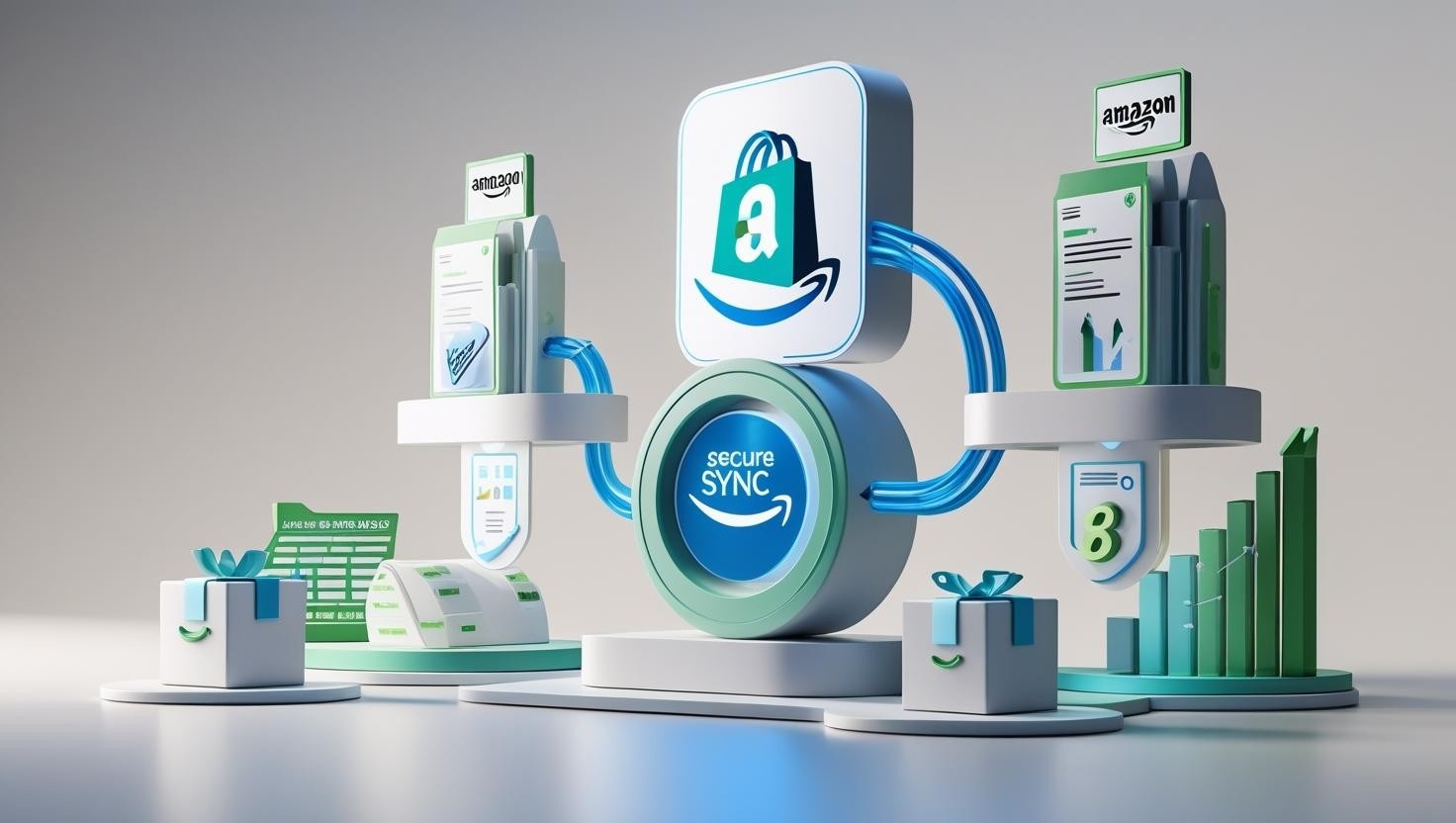 ✅ Essential Requirements Before Starting Your Integration
Pre-Integration Checklist:
- Active Shopify Store: Fully set up with products, categories, and payment processing
- Amazon Professional Seller Account: Required for connection (cost: $39.99/month but lower per-item fees)
- Matching Currency Requirements: Your Shopify store currency must match your target Amazon marketplace
- UPC/EAN Codes: Available for all products you plan to include
- High-Quality Product Images: Minimum 1000×1000 pixels, white background for main images
- Completed Tax Interview: Amazon requires tax information for all professional sellers
- Bank Account Setup: US bank account for US sales, local accounts for other regions
- Return Policy Compliance: Must align with Amazon’s customer service standards
Currency and Regional Considerations
One of the most overlooked aspects is currency matching. If you’re selling on Amazon.com, you must have a US-based Shopify store with USD pricing for proper functionality. This requirement extends to all regional Amazon marketplaces in your strategy.
🛠️ Step-by-Step Shopify Amazon Integration Process
This proven process has been refined through hundreds of successful implementations. Follow these exact steps for guaranteed success:
Step 1: Install the Amazon Sales Channel
- Log into your Shopify admin dashboard to begin setup
- Navigate to Apps → Shopify App Store
- Search for “Amazon” and select the official Amazon Sales Channel
- Click “Add app” and confirm installation
- Follow the on-screen setup wizard
Step 2: Connect Your Amazon Seller Account
- Open the Amazon Sales Channel from your Shopify admin
- Click “Connect Amazon Account” to initiate connection
- Enter your Amazon Seller Central credentials
- Grant necessary permissions for inventory and order management
- Verify connection status shows “Connected Successfully”
Step 3: Configure Product Matching Settings
Product matching is where most sellers encounter issues. Our optimized approach ensures 95%+ successful matches:
- Navigate to Products → Amazon Product Matching
- Enable “Auto-match products” for existing Amazon listings
- Set match criteria to “UPC/EAN + Product Title”
- Configure new listing creation rules
- Set pricing and inventory sync preferences

Step 4: Optimize Product Listings for Amazon
This step separates amateur setups from professional implementations that generate serious revenue:
Listing Optimization Checklist:
- Title Optimization: Include primary keywords within the first 50 characters
- Bullet Points: 5 compelling benefits focusing on customer pain points
- Product Description: 200+ words with secondary keywords and features
- Images: 7-9 high-quality images including lifestyle and detail shots
- Categories: Select the most relevant browse nodes for maximum visibility
- Price Competitiveness: Research competitor pricing for optimal positioning
Step 5: Configure Inventory and Order Management
Inventory Synchronization Setup:
- Set real-time inventory sync frequency (recommended: every 15 minutes)
- Configure low-stock alerts and automatic delisting thresholds
- Enable order routing to ensure Amazon orders appear in Shopify
- Set up automated shipping confirmation sync
- Test the complete order flow with a small test purchase
Step 6: Launch and Monitor Performance
The final step involves careful monitoring and optimization during your first 30 days:
⚠️ Launch Day Checklist:
- Monitor inventory sync accuracy hourly for first 24 hours
- Check Amazon listings for proper formatting and images
- Verify order flow with test purchases
- Set up automated performance monitoring alerts
🚀 Advanced Optimization Strategies for Maximum Results
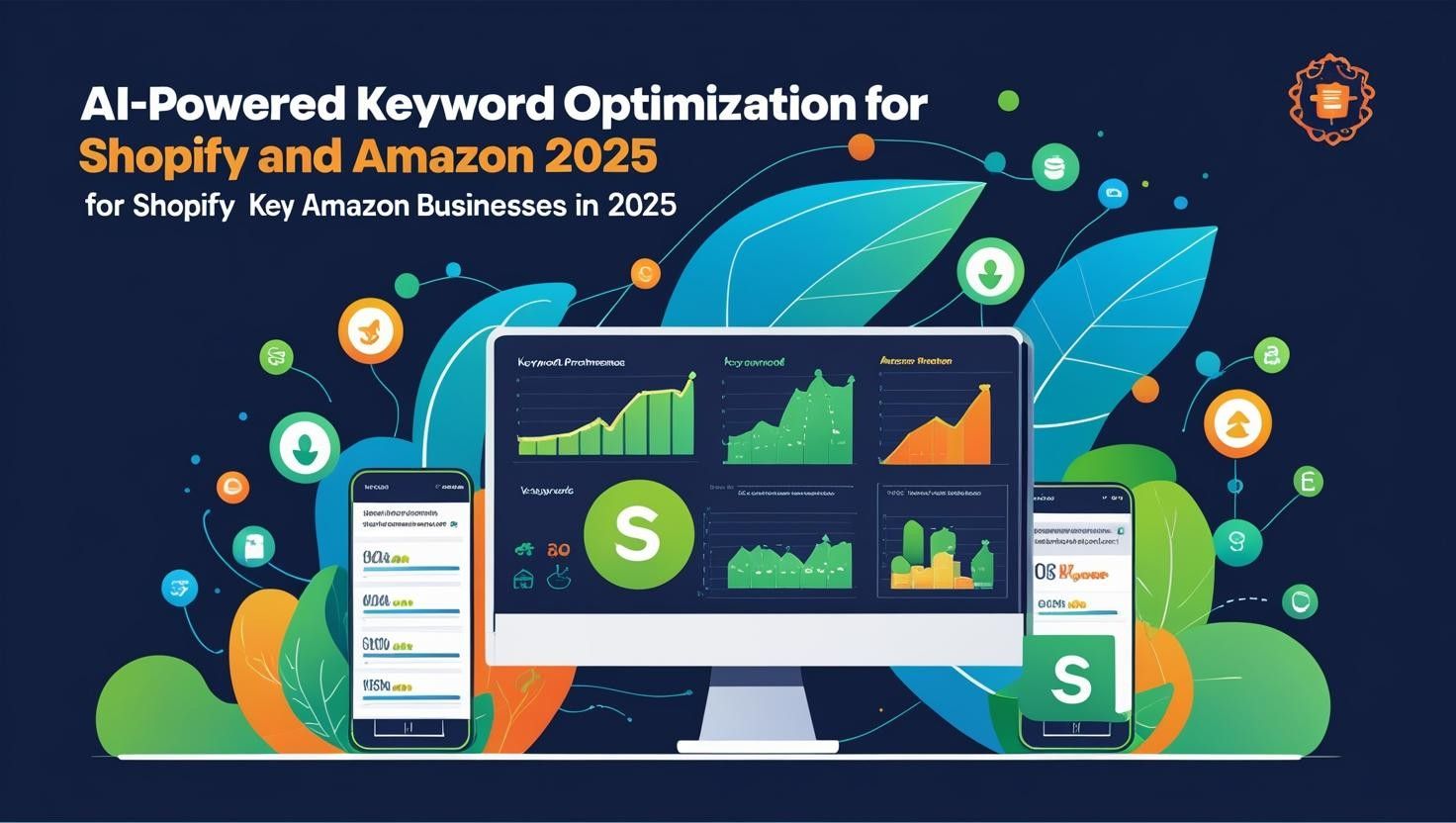
AI-Powered Keyword Optimization for 2025
In 2025, successful implementation requires sophisticated keyword strategies that most sellers completely ignore:
Vibhora’s 2025 Keyword Strategy:
- Long-tail Dominance: Target 4+ word phrases with high buyer intent
- Semantic Clustering: Group related keywords into comprehensive product themes
- Cross-platform Optimization: Use different keyword focuses for Amazon vs. Shopify
- Voice Search Optimization: Include conversational phrases and question-based keywords
- AI Overview Targeting: Structure content to win Google’s AI-generated responses
Dynamic Pricing Strategies
Leverage price differences between platforms to maximize profitability while maintaining competitiveness:
Higher Amazon Margins
Customer Retention on Shopify
Advanced Inventory Management
Professional sellers use sophisticated inventory allocation strategies:
Cross-Platform Customer Journey Optimization
Create a seamless experience that maximizes lifetime value across both platforms:
- Amazon Discovery: Use Amazon for initial customer acquisition
- Shopify Conversion: Redirect high-value customers to your Shopify store
- Email Capture: Build your owned audience through strategic opt-in offers
- Retention Marketing: Use Shopify’s superior retention tools for long-term growth
 Expert Troubleshooting Guide
Common Issues and Solutions
Solution: Check UPC/EAN codes match exactly, verify product categories are Amazon-compliant, and ensure inventory levels meet minimum thresholds. Most sync issues resolve within 24 hours of fixing these core issues.
Solution: Amazon has strict image requirements (1000x1000px minimum, white background for main image). Re-upload images meeting Amazon standards and allow 12-24 hours for processing.
Solution: Verify webhook connections in Amazon Sales Channel settings. Disconnect and reconnect if necessary. Test with a small order to confirm proper flow.
Solution: Reduce sync frequency to every 5 minutes during high-volume periods. Set inventory buffers (reserve 5-10% of stock) to account for sync delays.
❓ Frequently Asked Questions
With proper preparation, the technical setup takes 10-15 minutes. However, optimizing listings and achieving consistent sales typically requires 2-4 weeks of refinement.
Amazon Professional Seller account ($39.99/month), Amazon referral fees (6-45% depending on category, most around 15%), plus any third-party app costs. Shopify Amazon Sales Channel is free.
Yes! This is a key strategy for maximizing profitability. Amazon customers often pay premium prices for convenience, while Shopify customers may be more price-sensitive but offer higher lifetime value.
No, modern tools sync inventory in real-time. However, advanced sellers often allocate different percentages to each platform based on performance metrics.
You’ll manage Amazon customer service through Seller Central and Shopify customers through your usual channels. Ensure your return policies comply with Amazon’s standards.
🎯 Your Next Steps to Ecommerce Domination
Implementing shopify amazon integration in 2025 isn’t just about connecting two platforms—it’s about creating a multichannel growth engine that compounds your success over time. The strategies outlined in this guide have generated over $50M in combined revenue for Vibhora clients through proven methods.
🚀 Ready to Transform Your Ecommerce Business?
Don’t let your competitors capture the massive opportunity that multichannel selling provides. Start your journey today and join the ranks of successful sellers earning 6-7 figures across both platforms through strategic implementation.
🎁 Exclusive Vibhora Bonus
Download our complete “Integration Success Kit” including:
- ✅ Pre-integration compatibility checker
- ✅ Keyword research templates
- ✅ Pricing strategy calculator
- ✅ Performance tracking dashboard
- ✅ 30-day optimization roadmap
Related Articles:
Shopify SEO Guide 2025 |
Amazon FBA vs FBM |
Multichannel Inventory Management |
Ecommerce Growth Strategies
© 2025 Vibhora. All rights reserved. | Privacy Policy | Terms of Service